Bones and Coins System Requirements
Low PC specs, mouse-only combat, save-anytime — what Steam actually lists.
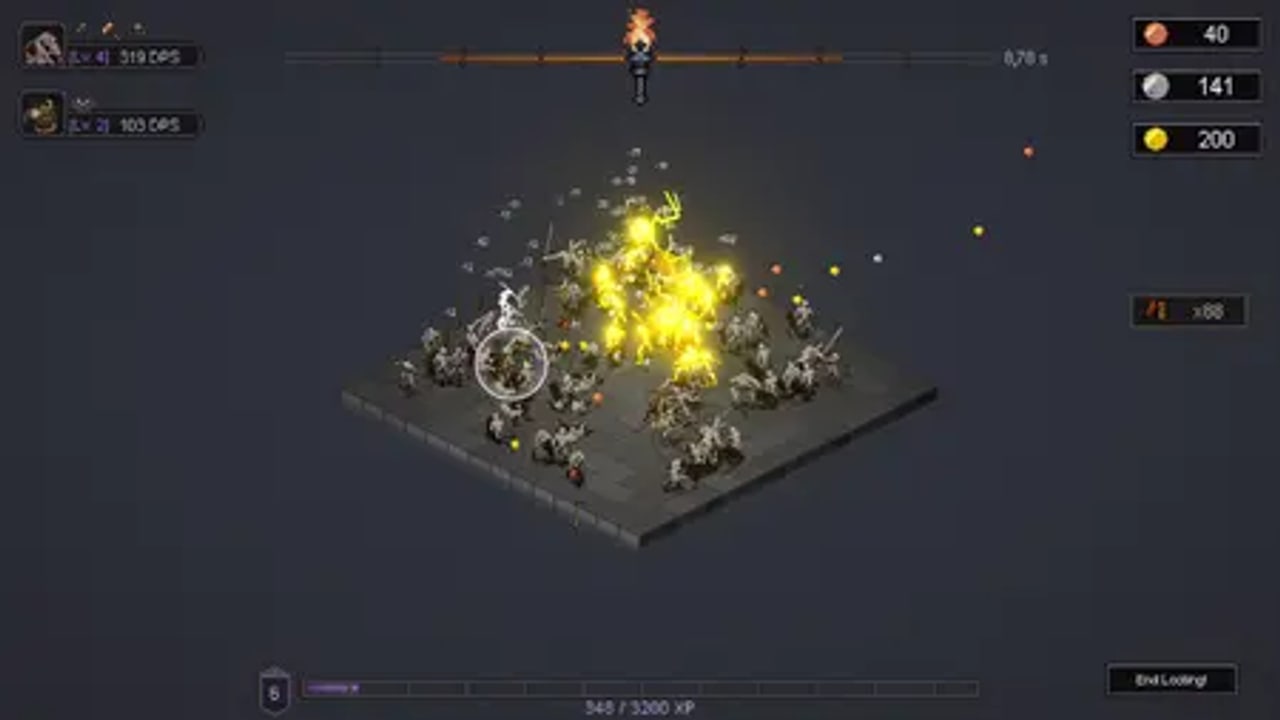
Bones and Coins is a 2D Unity incremental. It does not need a 4K rig. The Steam store lists a short minimum spec, a mouse-only option, and a handful of accessibility toggles. This page is the hardware and input manual so you can decide if a laptop will finish a four-to-five-hour run. Gameplay still starts at Getting Started.
Official minimum spec
Steam’s published Minimum line:
- OS: Windows 10 or newer, 64-bit only
- Processor: 2 GHz
- Memory: 4 GB RAM
- Graphics: Intel HD Graphics 5000 or better
- Storage: 1 GB available space
There is no separate Recommended block in the store text we used. Treat the minimum as “it runs.” Pixel-art isometric rooms and a skill-tree UI do not ask for ray tracing. If your machine clears a browser and a Discord overlay, it almost certainly clears this.
The itch.io prototype also shipped an HTML5 build. The live product is the Steam Windows full game (app 4134650). The demo used a separate app, 4213470. Do not assume a web build matches 1.0 performance. See Links for store URLs.
Input: mouse is the whole scheme
Steam lists a Mouse Only Option. Combat is a hover circle, not a WASD twin-stick. How to Play is the control guide: keep the cursor on the densest skeleton clump, sweep item orbs until auto-loot exists, hit End Looting when the island is empty. A trackpad works. A mouse is less tiring because the entire combat model is a hold, not a click storm.
No gamepad scheme is advertised on the store page. If a later patch adds one, it will land on Updates. Until then, do not buy a controller for this title.
Accessibility and session extras
Steam feature list that matters at the desk:
- Save Anytime — close the torch mid-room without a ritual.
- Custom Volume Controls — music now changes per dungeon room after demo v0.8.0; being able to duck it is useful.
- Steam Cloud — progress follows the account, not one PC.
- Steam Achievements — listed, not documented as a 100% guide here.
- Family Sharing — Steam feature, not a second adventurer in the dungeon.
- Remote Play Together — streaming, not a second adventurer on the same PC. The campaign is single-player.
Demo v0.8.0 also added a more readable Latin font after feedback. If text looked muddy in January playtest clips, the June build already tried to fix that.
Length versus hardware
Official notes put an optimized playthrough around four to five hours. Experimenting with heroes, the Blacksmith, blessings, and Expeditions stretches that. Developer comments during the playtest sketched late-game looting windows around 30–45 seconds once upgraded. Short rooms plus a large skill tree are why a weak laptop still finishes the campaign: you are not simulating a 3D raid.
If the floor stutters, drop other overlays first. The art is 2D; stutters are more often background recordings than GPU load.
Platform and language notes
- Platform: PC (Windows via Steam). Not Roblox, not a mobile APK, not a console SKU in the sources we used.
- Languages: Steam lists 13, including English, French, German, Spanish, Italian, and Japanese. This wiki localises English, French, German, and Spanish.
- Price: launch copy advertised a 25% discount. This page will not invent a base dollar figure. See launch notes.
If the game launches and the store later adds a Recommended GPU line, that line will be copied here. Until then, the Intel HD 5000-class minimum is the only official bar.
Frequently Asked Questions
Quick answers to the most common questions.
Can a laptop run Bones and Coins?
If it has Windows 10 64-bit, 4 GB RAM, and Intel HD Graphics 5000-class graphics, Steam says yes. The game is 2D pixel-art incremental, not a 4K shooter.
Do I need a controller?
No. Steam lists a mouse-only option. Combat is a hover. See How to Play.
Is there a Mac or Linux build?
The store text we used lists Windows. Do not assume other desktop SKUs until Steam says so. Links points at the live store page.
Does Remote Play Together mean two players in the dungeon?
No. That is Steam streaming. The campaign is single-player.