Bones and Coins Guides
Torch, coins, party, rooms — the full loop in one hub.
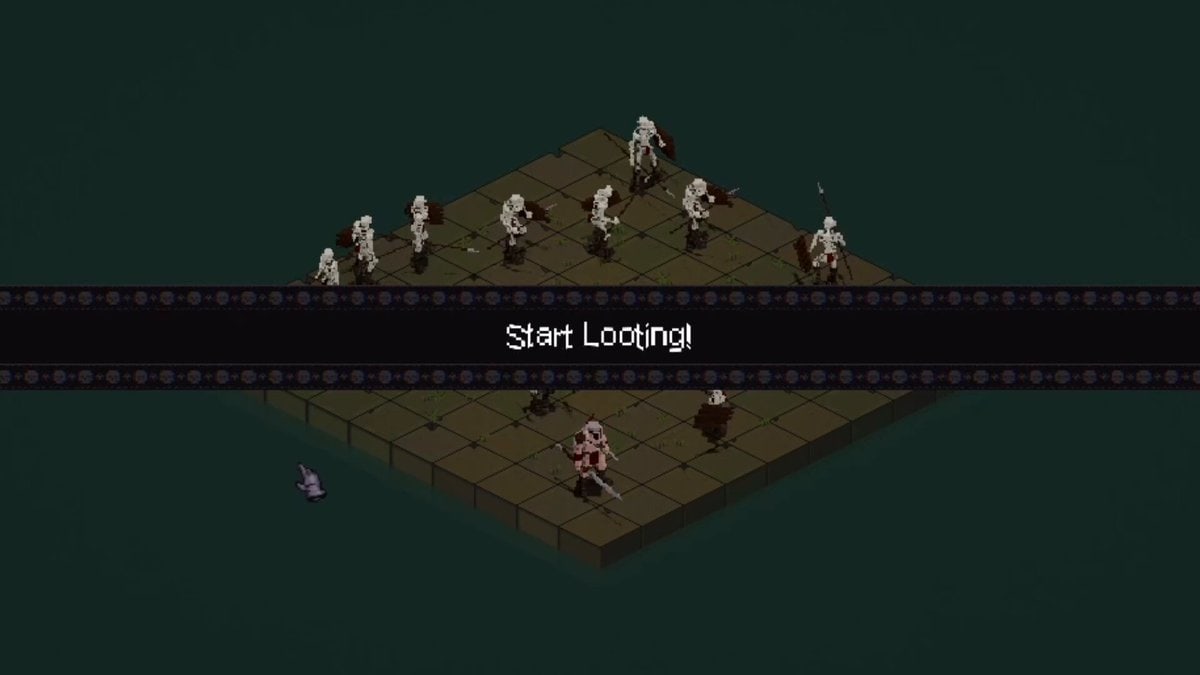
This hub is the map of every Bones and Coins guide on the wiki. The game launched on Steam on 7 September 2026 as a single-player incremental auto-battler dungeon crawler from Troyd Games. You do not need a Trello, a code list, or a mobile emulator. You need a clean first hour, a skill tree plan, and a party that does not trip over itself.
Start with Getting Started if you have not finished a single torch run. Move to How to Play when the HUD still feels noisy — torch timer, End Looting, party portraits, and the three coin piles in the corner. Once coins are coming in, the loot and economy page explains why copper, silver, and bones are not the same resource, and why hovering items still matters until you buy auto-loot.
What to read in order
- Getting Started — opening upgrades, first party slot, Guild recruit.
- How to Play — mouse-only combat, torch length, room XP bar.
- Skill Tree — income nodes versus weapon nodes, Blacksmith unlocks.
- Dungeon Rooms — eight rooms, room bonuses, Rusty Mines, skeleton caps.
- Loot and Economy — chests, item drops, sell-versus-forge decisions.
- Blacksmith — sixteen weapons and exclusive parts.
- Expeditions — full-game challenge tab, after the party exists.
- System requirements — Windows 10 spec and mouse-only input.
If you already know the loop and only want rankings, jump to the hero tier list or the build tier list. Heroes themselves live under Heroes, including party building and blessings.
What these guides will not invent
The full Steam build lists six recruitable heroes, sixteen weapons, nine unique enemies, and a skill tree of about 160–180 nodes. Demo and playtest coverage is much narrower: Barbarian, Bowman (called Archer in Steam Next Fest notes), Shaman, and later Wizard. Named rooms such as Rusty Mines appear in gameplay videos. This wiki keeps those names and refuses placeholder classes, fake weapon tables, or invented codes. When a number comes from a store page or a patch note, the page says so.
How combat and guides connect
Bones and Coins is not a clicker that you AFK from minute one. You hover a damage circle over packs while recruited heroes auto-attack. A torch clock at the top of the HUD ends the looting window. Room XP at the bottom tracks how far that specific catacomb has been trained. Those three systems — cursor damage, hero AI, room progression — are why a how to play page exists separately from a dungeon rooms walkthrough.
Use the party planner when you are ready to lock a three-role core (frontline, ranged, mark support) before you spend blessings. Use official links for Steam, the demo app, and publisher channels. Patch history lives in Updates.
Read one guide at a time. Each page cross-links its siblings so you can bounce between economy, combat, and heroes without rereading the same opening paragraph.
Frequently Asked Questions
Quick answers to the most common questions.
Which Bones and Coins guide should I open first?
Open Getting Started if you are on your first torch. Open How to Play if the HUD is the confusing part. Open the skill tree once you have coins and no plan.
Are these guides for the demo or the full Steam game?
They cover both. Mechanics that existed in playtest and demo still apply. Full-release counts (eight rooms, six heroes, sixteen weapons, Expeditions) come from official Steam notes and are flagged as such.
Is there a codes page?
No. Bones and Coins is a paid Steam title, not a Roblox experience. There is no redeem-code board on this wiki.